 PricePinner
A tour of the app
These are real screenshots, not mockups — every screen below is exactly what you'll see when you open PricePinner.
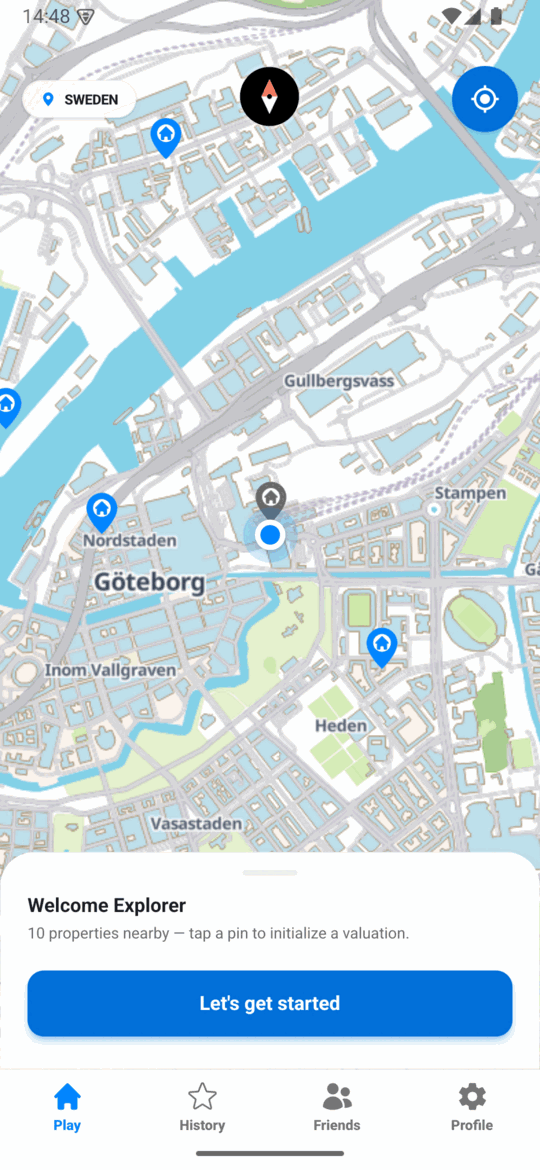
1 · Find a property on the map
The home screen is a live map of real, recently sold properties near you. Each pin is a property waiting to be valued — tap one to open it.
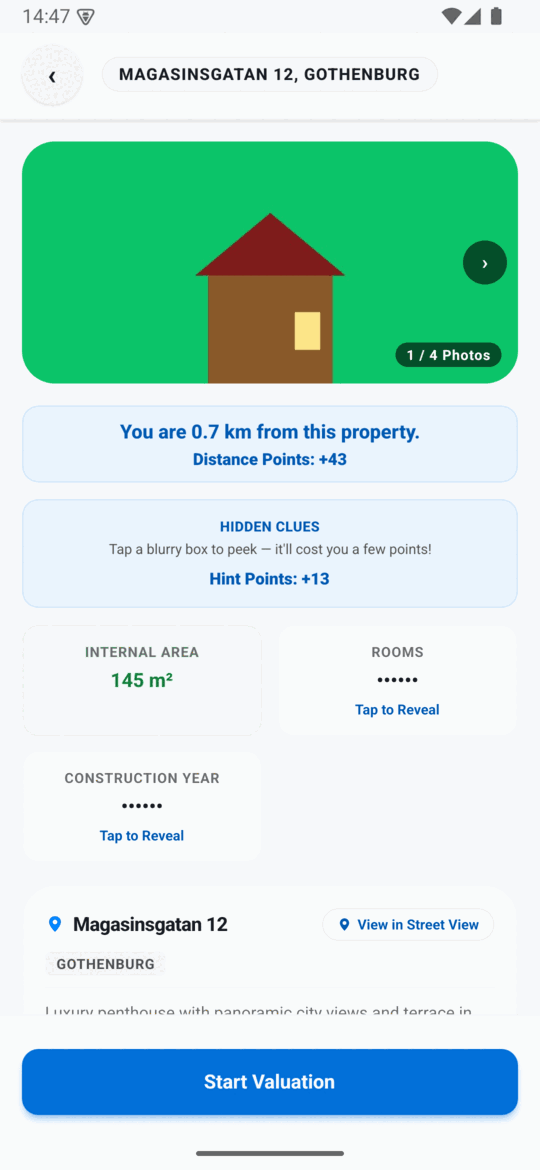
2 · Study the clues
Photos, distance, and a set of hidden clues — internal area, rooms, construction year. Reveal a clue if you want it, but every one you leave blurred keeps more of your hint points.
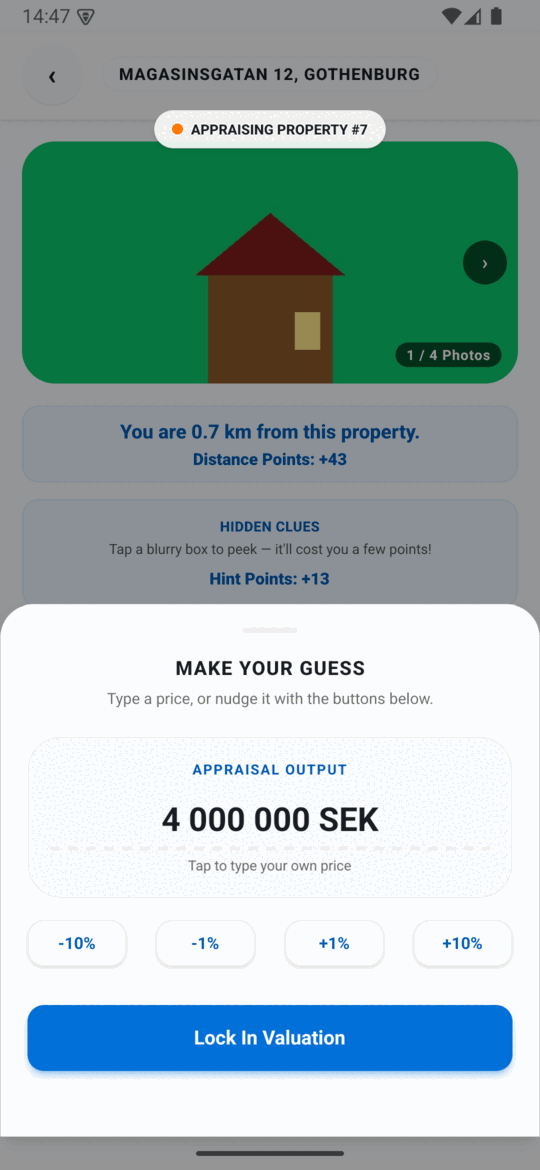
3 · Make your guess
Type a price or nudge it with the ±1% / ±10% buttons, then lock it in. One shot per property — no take-backs.
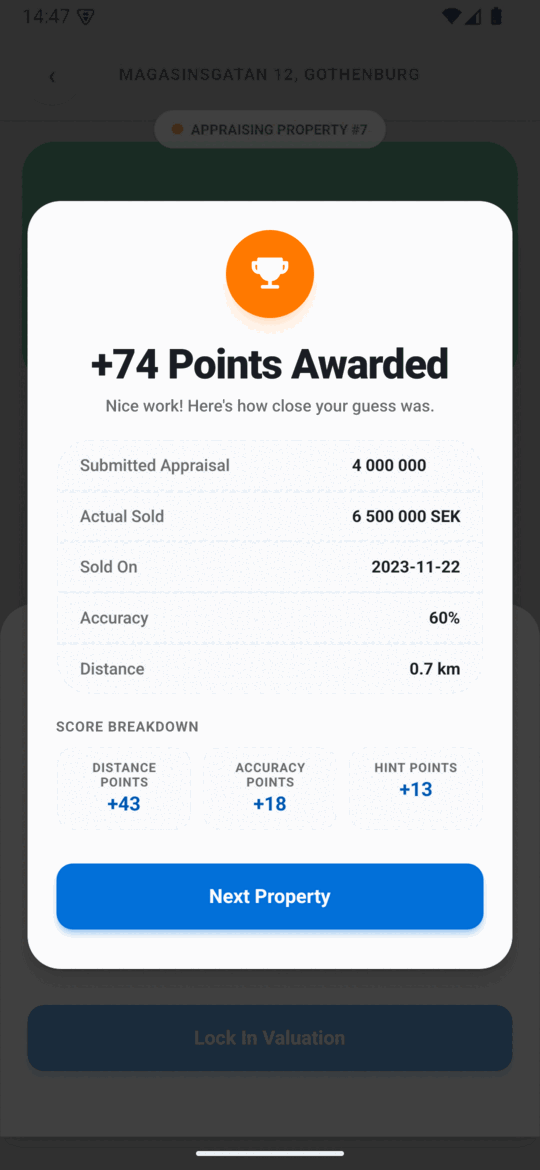
4 · See your score
Scoring is instant: distance points, accuracy points, and hint points, plus the real sold price so you can see exactly how close you got.
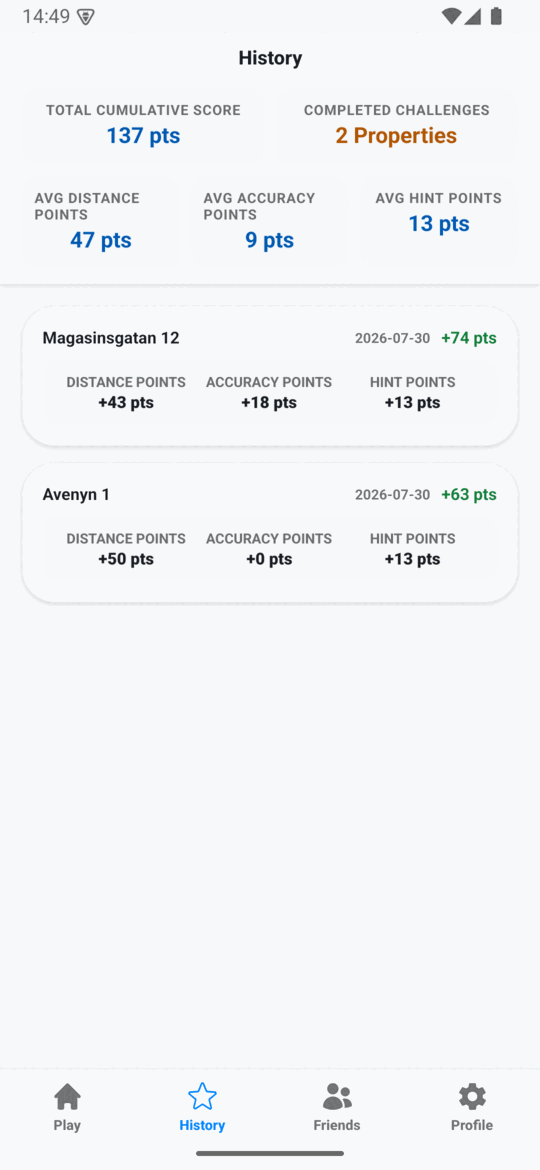
5 · Track your history
Every property you've valued is saved with your guess, your score, and the breakdown behind it — so your average accuracy is never a guess itself.
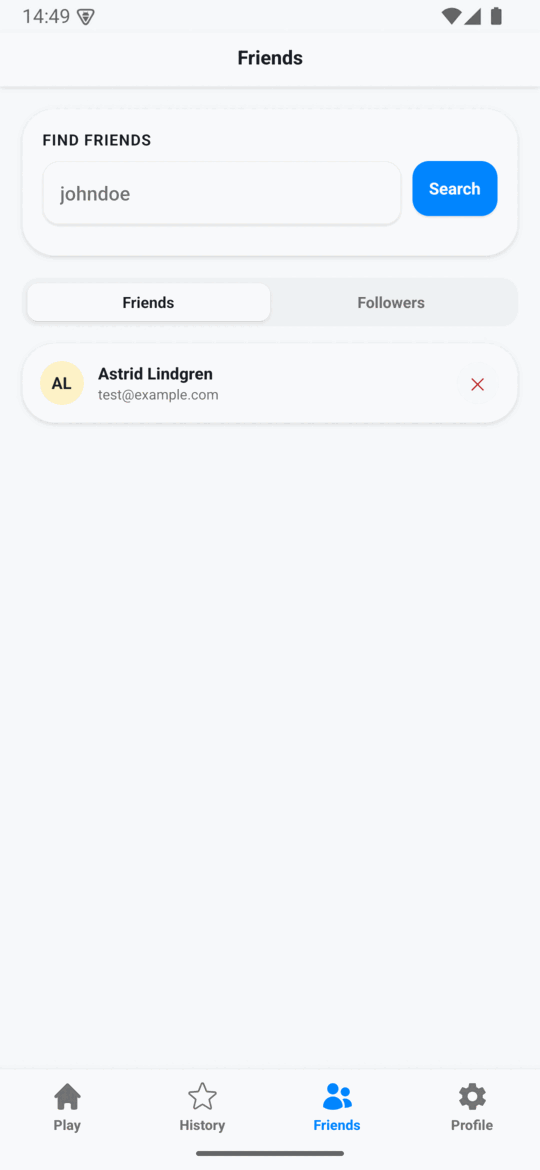
6 · Add friends
Search by username, connect, and see how your eye for the market compares to theirs.
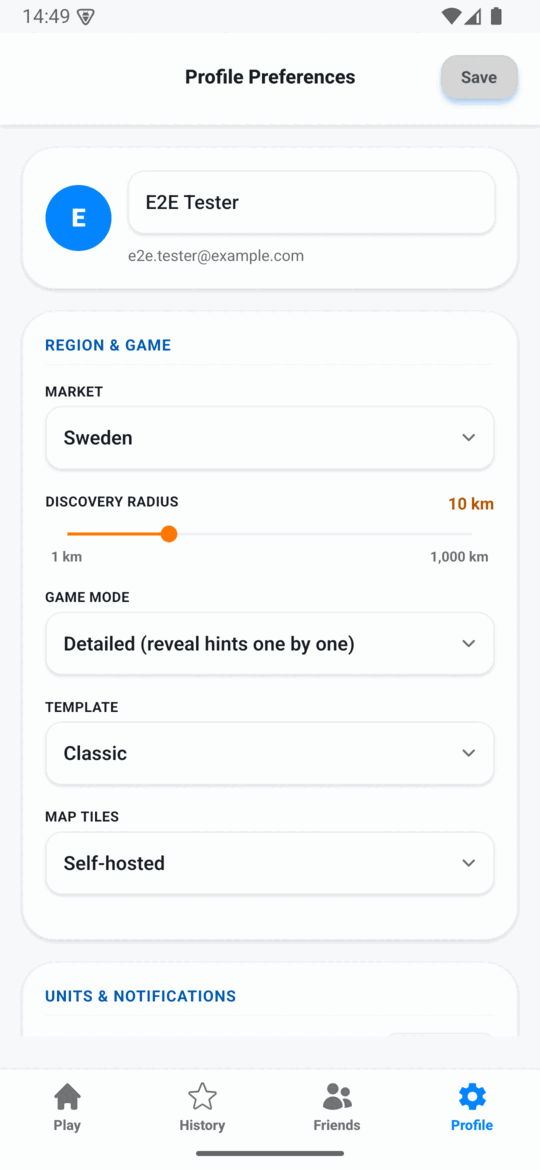
7 · Set it up your way
Pick your market, discovery radius, game mode, and visual template — your preferences follow you across web, Android, and iOS.
Ready to try it yourself?
Same app, same screens — your turn to guess.
Play in your browser Read the full rules