 PricePinner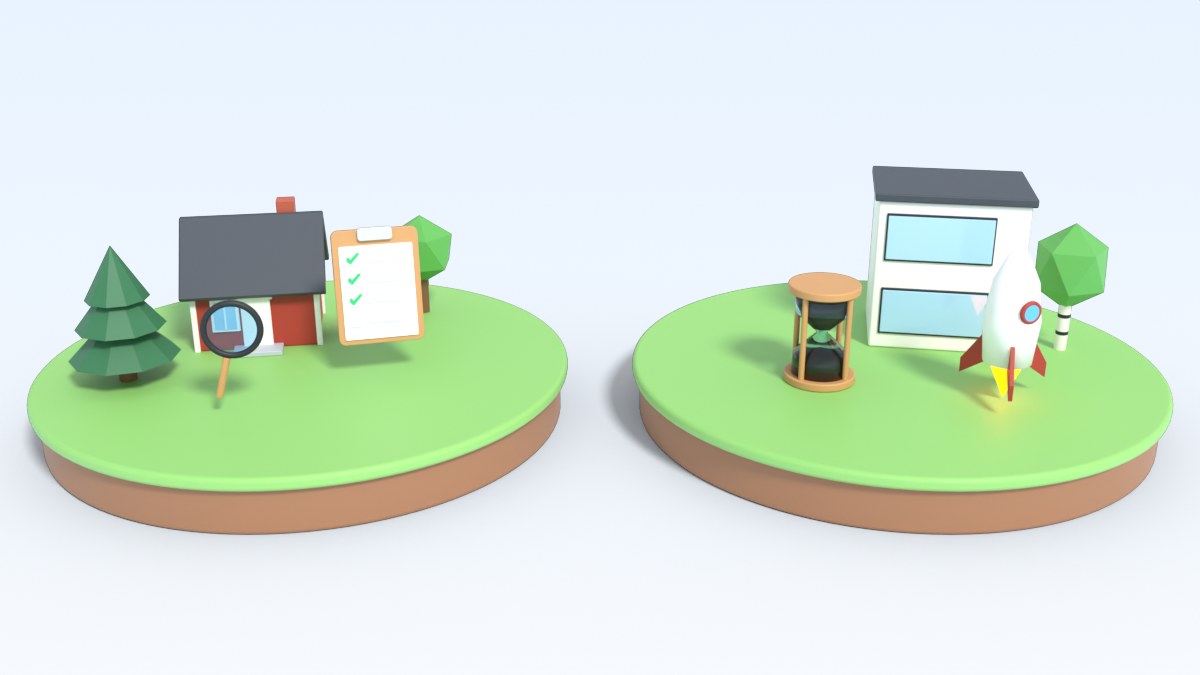
PricePinner has two game modes. They use the same homes and the same final prices. The difference is how you handle the clues.
Detailed mode
This is the default mode. You see the photos, the description and the location. The clues are hidden. Every home has three of them: living area, rooms and year built. Many homes have more, such as the monthly fee, the floor, the energy class or a balcony. You can open them one by one, but each one costs part of your 20 clue points.
Every clue is a choice. Do you trust your eye, or do you pay for more facts? That choice is what makes Detailed mode exciting.
Quick Guess mode
Here all clues are open from the start. There is nothing to decide and nothing to tap. You read the facts and you set your price.
Because there are no clues to keep closed, the clue part of the score is always 0. Your maximum is 80 points per round: 50 for distance and 30 for price.
Which one should you play?
- You want the highest score: play Detailed mode and open as few clues as you can.
- You want to learn an area fast: play Quick Guess mode and go through many homes in a short time.
- You play on the bus: Quick Guess mode fits a short trip.
A good way to train
Play ten homes in Quick Guess mode in one area. You see all the facts and you learn how size, rooms and age move the price there. Then switch to Detailed mode in the same area, and see how many clues you can now leave closed.